Publish the schedule
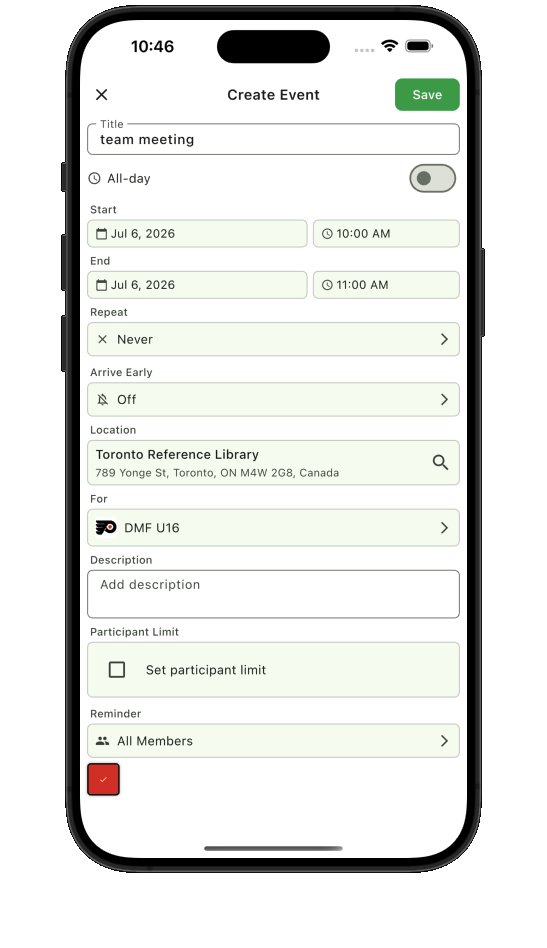
Create one-time games or recurring practices with times, locations, arrival details, and reminders.
 Teamnest Pro
Free sports team scheduling app
Teamnest gives coaches and organizers one place to publish recurring practices, share game details, invite members, collect availability, and send updates. Players and families see the same current plan without piecing it together from separate chats and calendars.
The Free plan supports up to 3 teams, 10 members per team, and 100 events per month per team, with no payment required to get started.
See what to compare in a free sports team scheduling app.
From setup to game day
Create one-time games or recurring practices with times, locations, arrival details, and reminders.
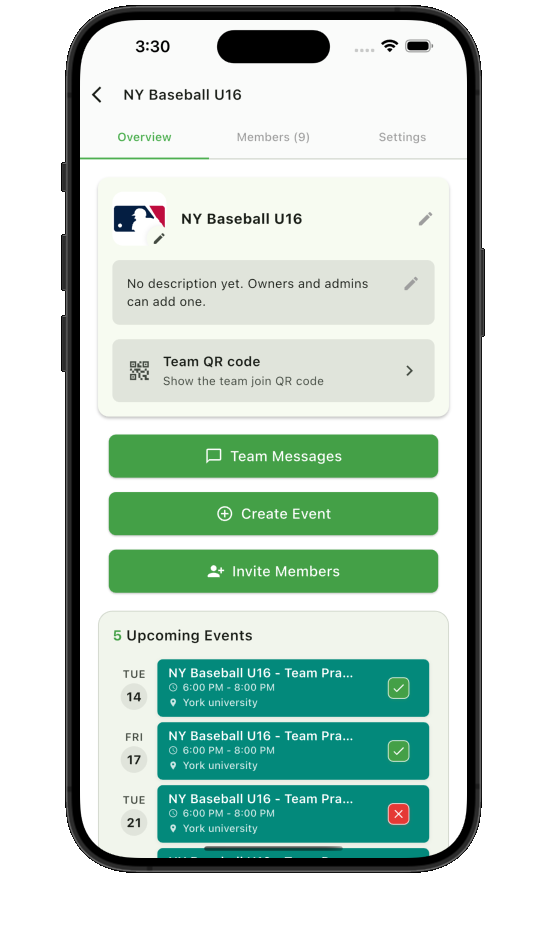
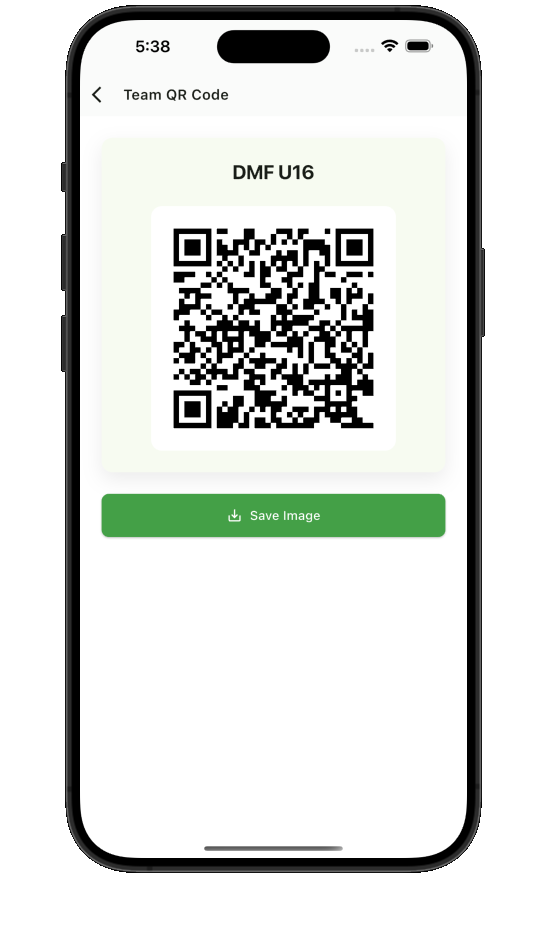
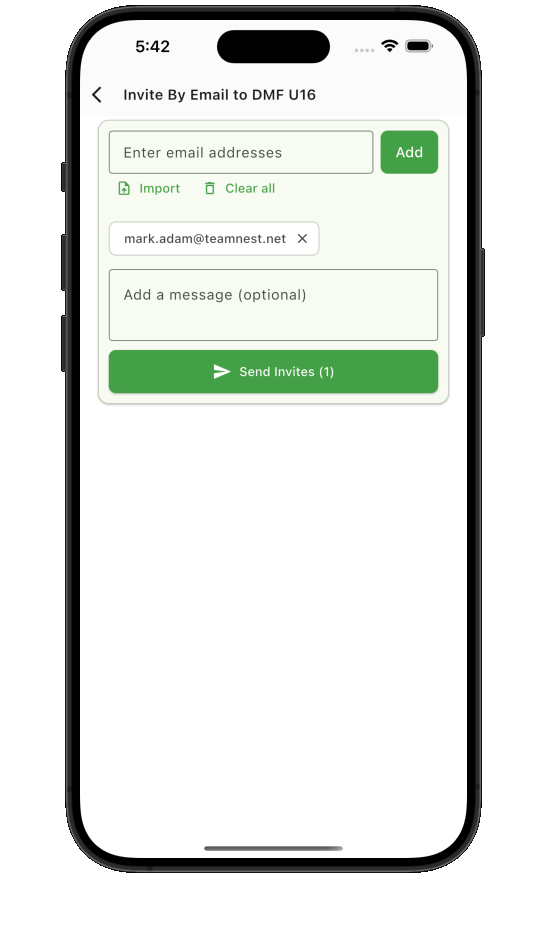
Invite players and families by email or let them join the correct team from a QR code.
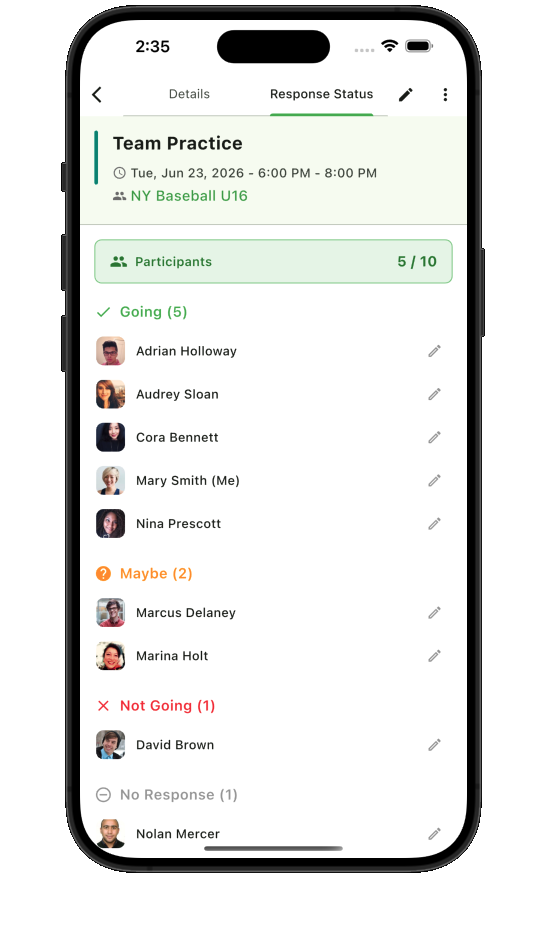
Review responses, remind the right members, and message the team when a plan changes.
What is free
Teamnest’s Free plan is designed for youth teams, recreational teams, clubs, and small groups that need a dependable schedule without adding another paid subscription.
See the full limits on the Teamnest pricing page.
Made for the whole team
Coaches publish practices, games, tournaments, and changes. Players and parents can check the schedule, respond to availability requests, find locations, and receive the updates that matter before the next event.
Teamnest works for soccer, basketball, baseball, softball, hockey, volleyball, swimming, and other organized sports that depend on a current shared schedule.
Sports team scheduling FAQ
Teamnest has a Free plan for sports teams. It supports up to 3 teams, 10 members per team, and 100 events per month per team.
Yes. Coaches can create one-time games and repeating practices with times, locations, arrival details, and reminders.
Yes. Members can respond Going, Maybe, or Not Going, and organizers can review availability and follow up with people who have not responded.
Organizers can invite members by email or let players and families join the correct team with a QR code.
Yes. Download Teamnest from the App Store or Google Play.
Simple team joining
Share a team QR code at registration or send invitations by email. Once members join, the team overview gives them a single place for upcoming events, conversations, and the information the organizer has published.
Know before the event
Members can respond going, maybe, or not going from the event. Organizers can review the current response status and follow up with the people who still need to answer, without searching through a long message thread.
For the full response workflow, explore the Teamnest Pro team RSVP app.
Make the next week easier