Publish the event
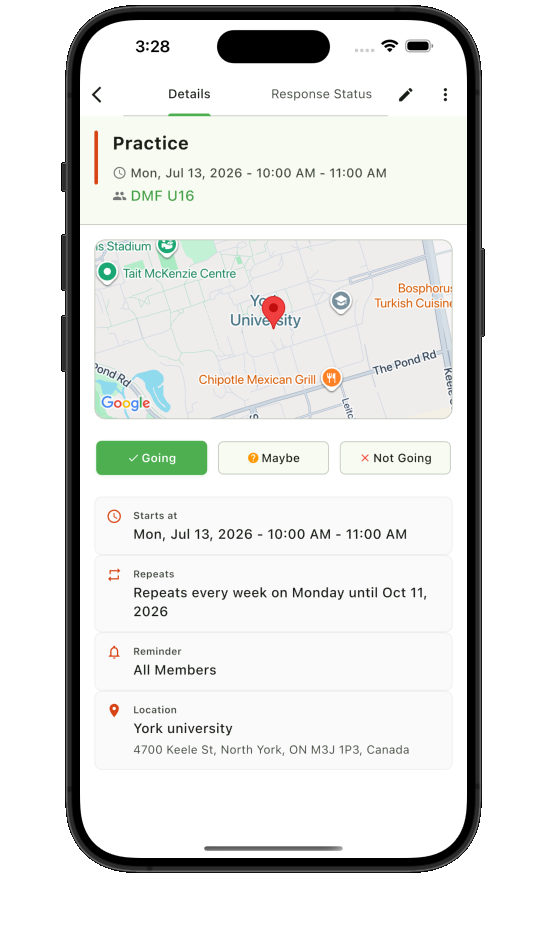
Share the time, place, arrival details, reminders, and response choices together.
 Teamnest Pro
Team RSVP app
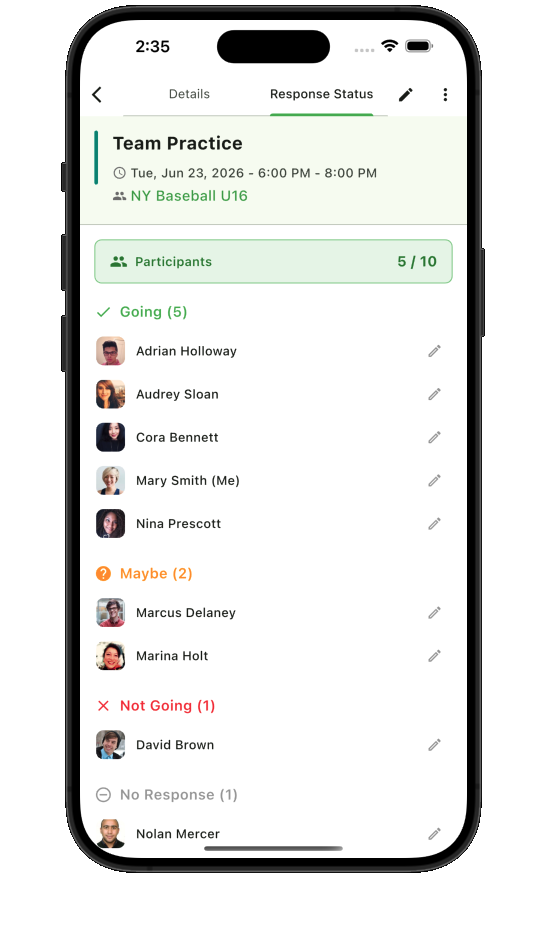
Teamnest Pro connects each response to the event it belongs to. Members can answer going, maybe, or not going, while organizers see who has responded, who has not, and who needs a timely reminder before the plan begins.
A response loop tied to the event
Share the time, place, arrival details, reminders, and response choices together.
Members respond from event details instead of adding another message to the chat.
Check participant status and notify the audience that still needs the right prompt.
Participant visibility
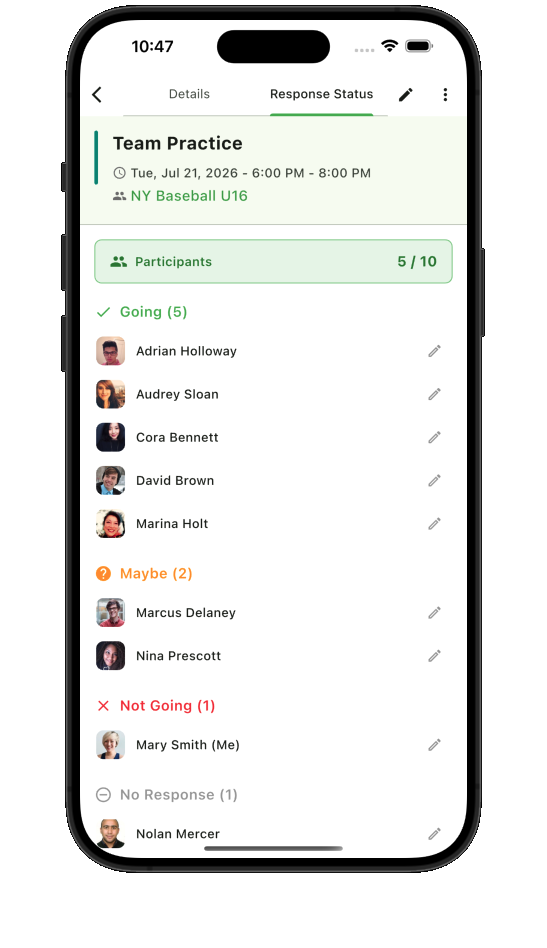
Response summaries make the current status visible without manually counting replies. Organizers can prepare capacity, assignments, transportation, or materials with a clear view of confirmed, tentative, unavailable, and unanswered members.
Useful reminders
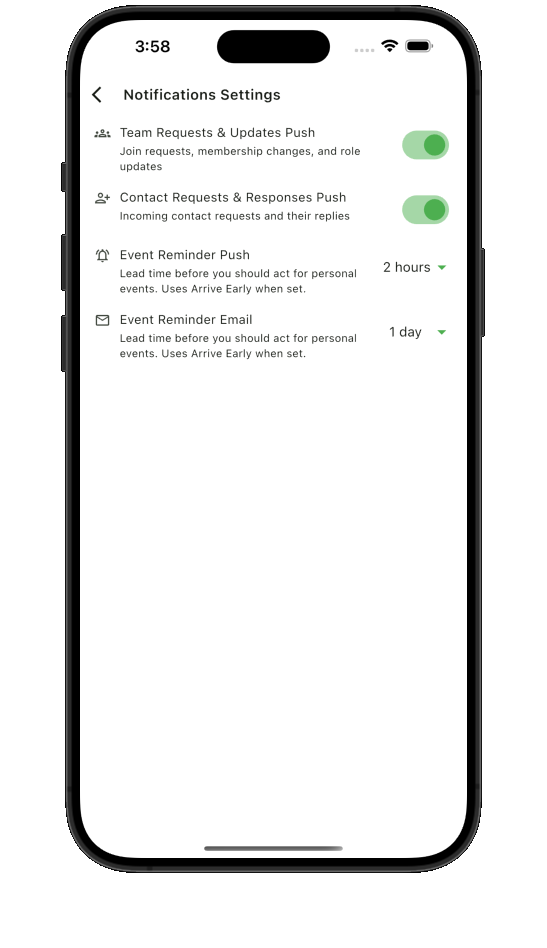
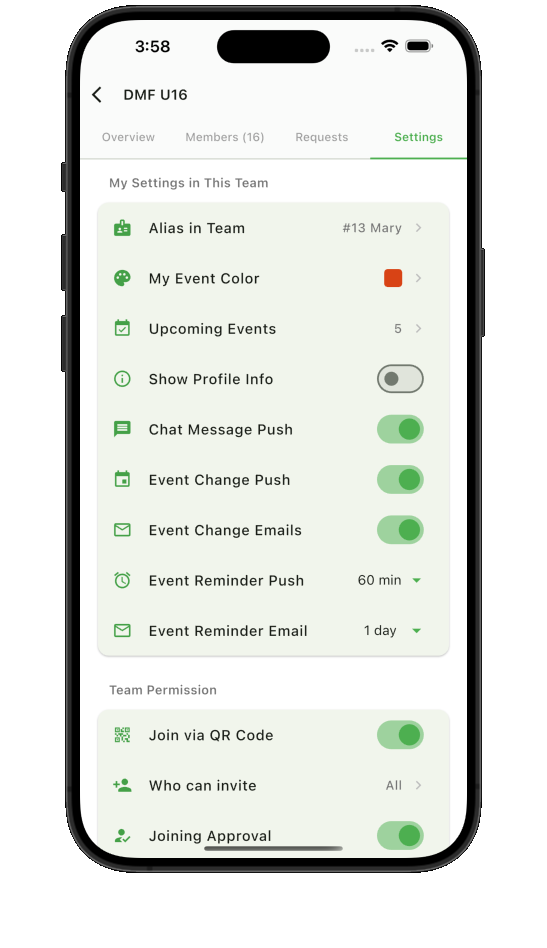
Configure event reminders and team notification preferences so members receive useful prompts at the right time. When a plan changes, the event and team conversation remain available alongside the latest response context.
Pair RSVP tracking with the shared Teamnest Pro calendar to keep attendance and schedule details together.
Know who is coming