Scan the event list
Review upcoming events, times, teams, and response status in chronological order.
 Teamnest Pro
Team calendar app
Teamnest Pro brings team events, personal plans, recurring schedules, reminders, and responses into one mobile calendar. Organizers can plan ahead while members choose the view that makes the next practice, class, meeting, or event easiest to understand.
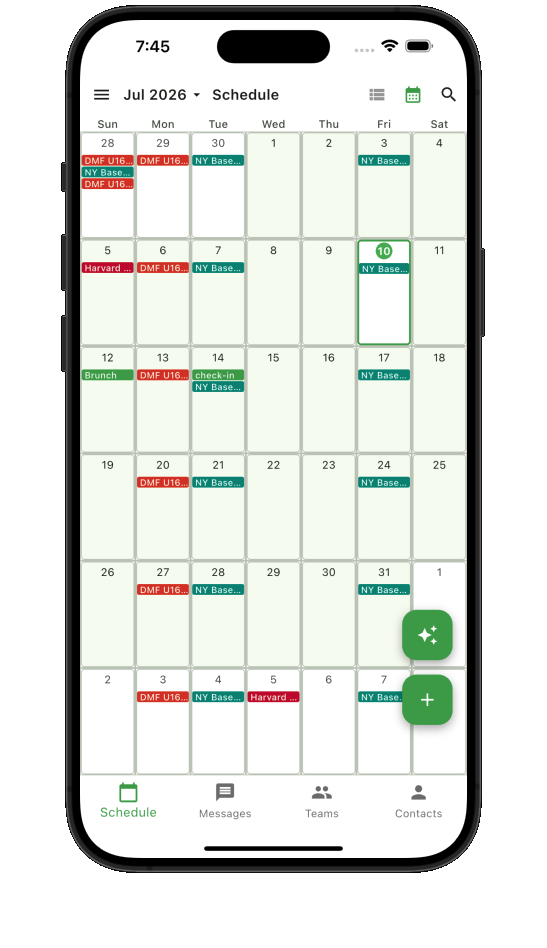
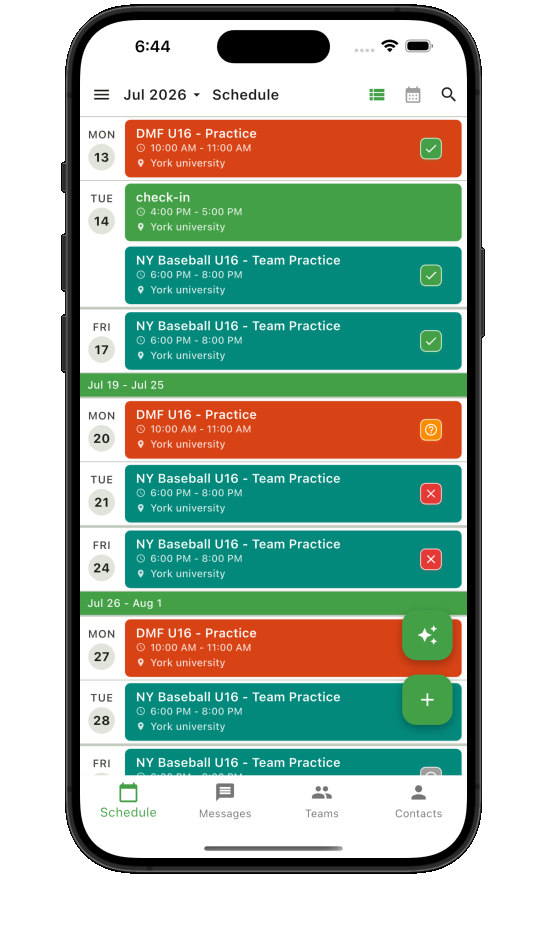
One schedule, several ways to read it
Review upcoming events, times, teams, and response status in chronological order.
See busy weeks early and understand how team and personal calendars fit together.
Open a focused daily schedule when timing and event order matter most.
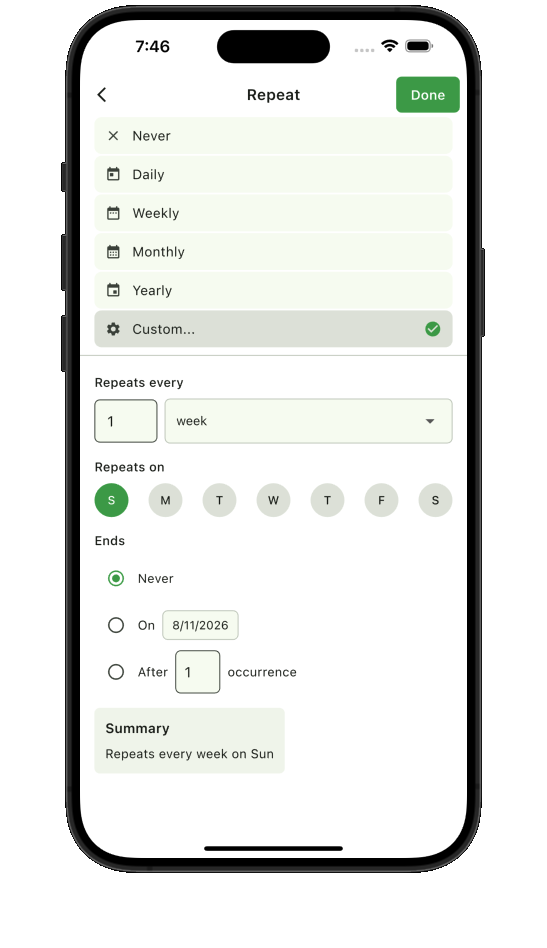
Recurring schedules
Set repeating practices, lessons, shifts, and meetings without entering every date by hand. When plans change, Teamnest Pro keeps the update tied to the right event context so the shared schedule stays understandable.
Calendar visibility
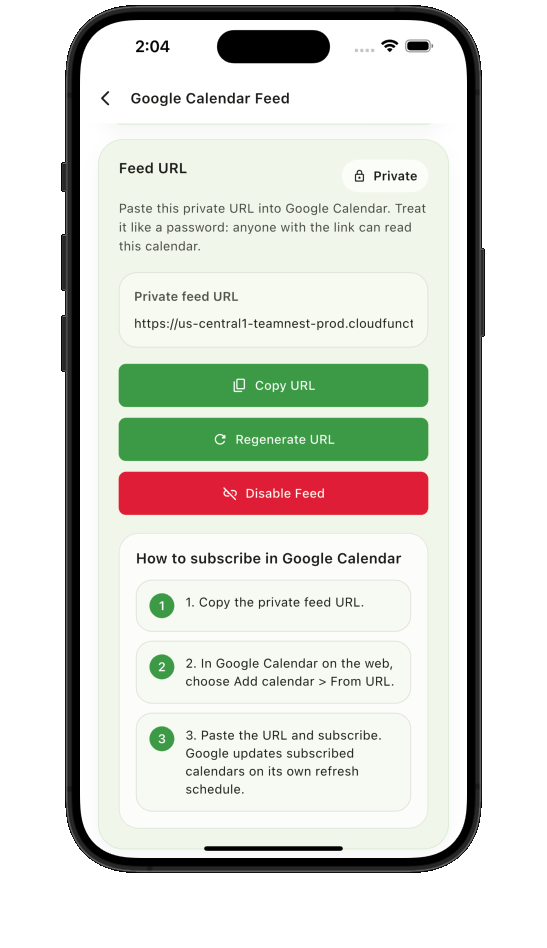
Members can copy a private calendar feed URL and subscribe from Google Calendar. Team colors and clear event views make it easier to recognize which schedule a plan belongs to without asking the organizer again.
Need attendance details too? See how the Teamnest Pro RSVP workflow connects responses to each event.
Start with the next event